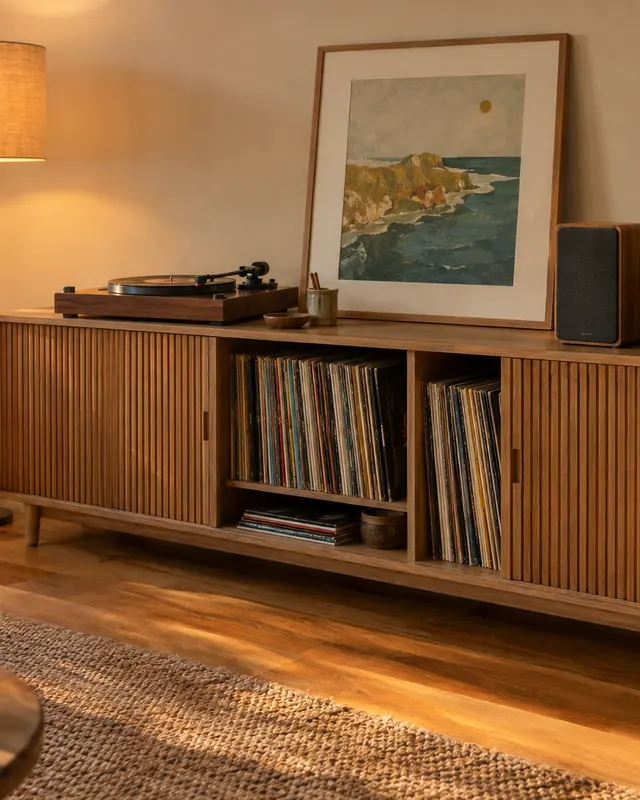
DIY guide · TV stands & media units

How to build a TV stand.

Low benches, floating units and media walls. How wide and how high for your screen and sofa, where the cables go, and plans made to your wall.

Get started

Illustration
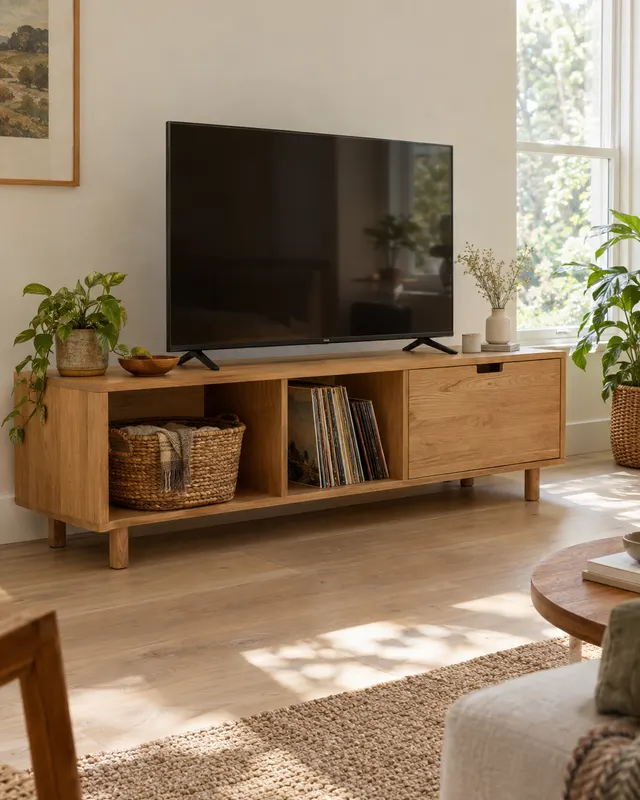
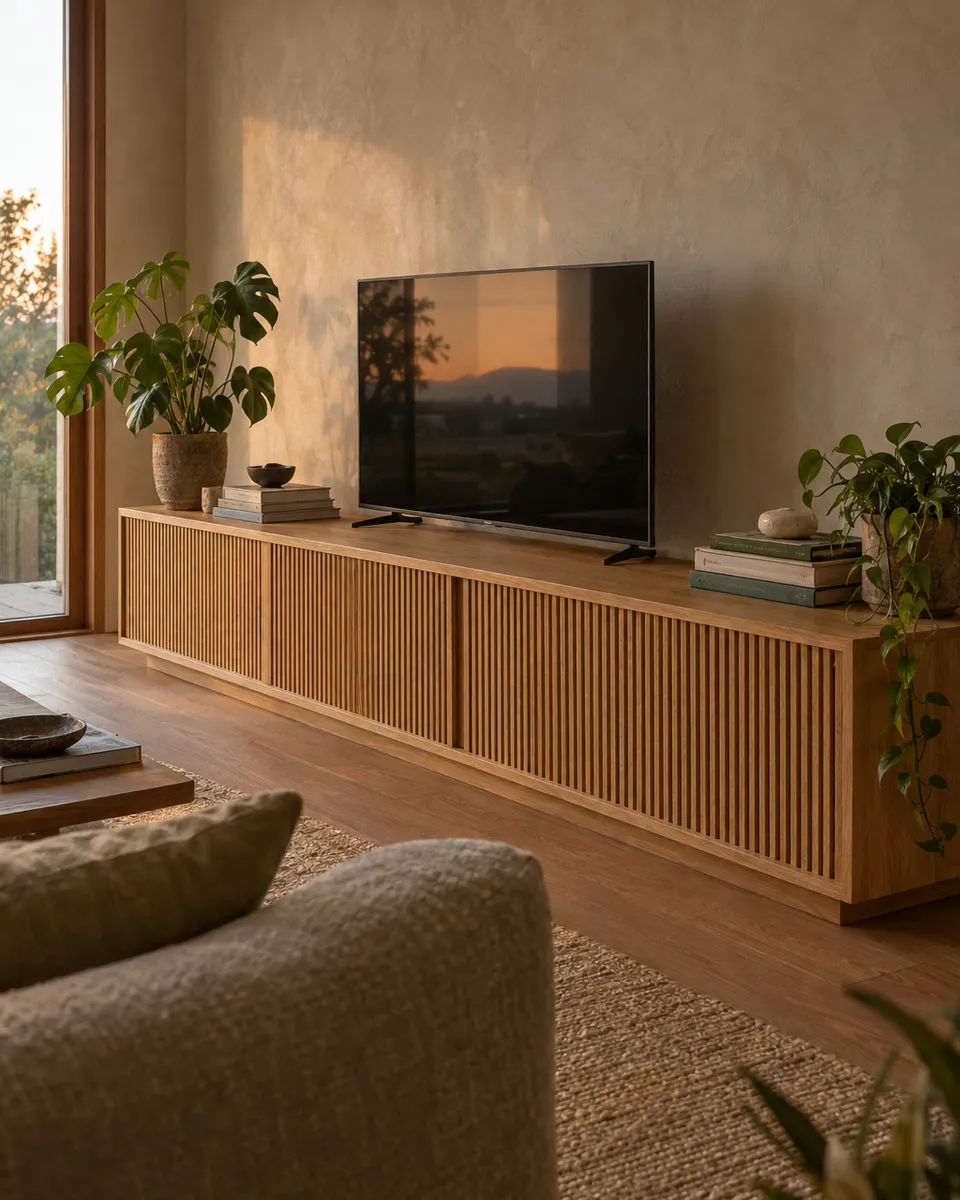
Low TV standA plan to start from · 1,800 mm wide

Where to start

Pick the build that fits your experience.

Types of tv stands & media units

5 kinds, and how hard each one is.

Plans

2 plans, made to your measurements.

Each one becomes a 3D model, a cut list, drilling maps and step-by-step instructions, at the size you need.

Size it to the screen

How big should the TV unit be?

Set the screen size and how far away you sit. See the size of the screen, how wide the unit should be and the height that puts the picture at eye level.

Picture

For 16:9 screens. Distances follow the usual 30 to 40 degree viewing angle; sit further back for HD.

Before you design

What to decide first.

Size it to the screen and the sofa

The middle of the screen should sit near eye level when you are seated. For most sofas that puts the top of the stand between 450 and 600 mm. Make the unit wider than the screen so the screen doesn’t look perched.

Give the equipment air

Consoles and amplifiers need ventilation. Leave equipment bays open at the back, or add slots. Remote controls need a line of sight unless the device uses radio.

Plan the cables now

Decide where the power socket and aerial are before you design. A cable hole behind each device and a route between bays is easy on the plan and awkward after assembly.

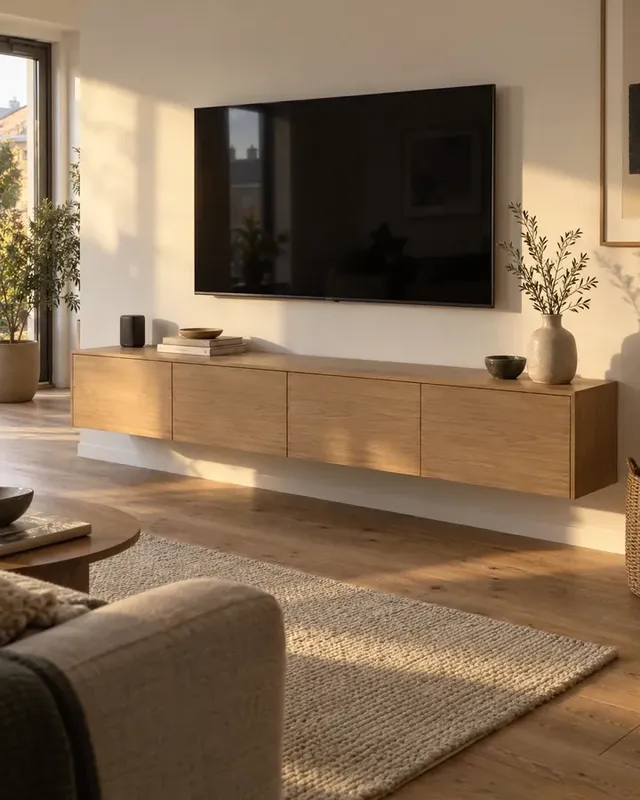
Floating units

A wall-hung unit carries the cabinet, the equipment and anyone who leans on it. Fix into studs or masonry with fixings rated for the wall type.

Hardware

Hang it, wire it, open it.

What makes a media unit different from any other cabinet.

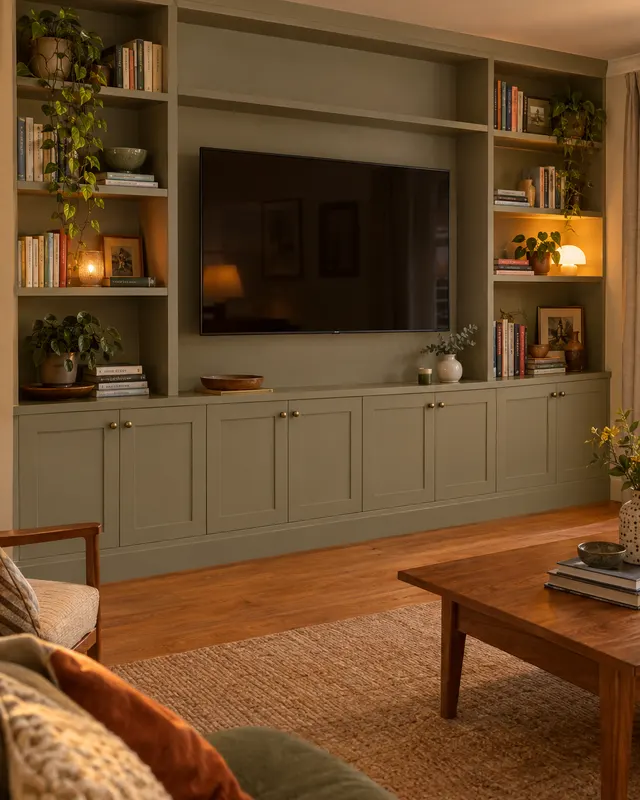
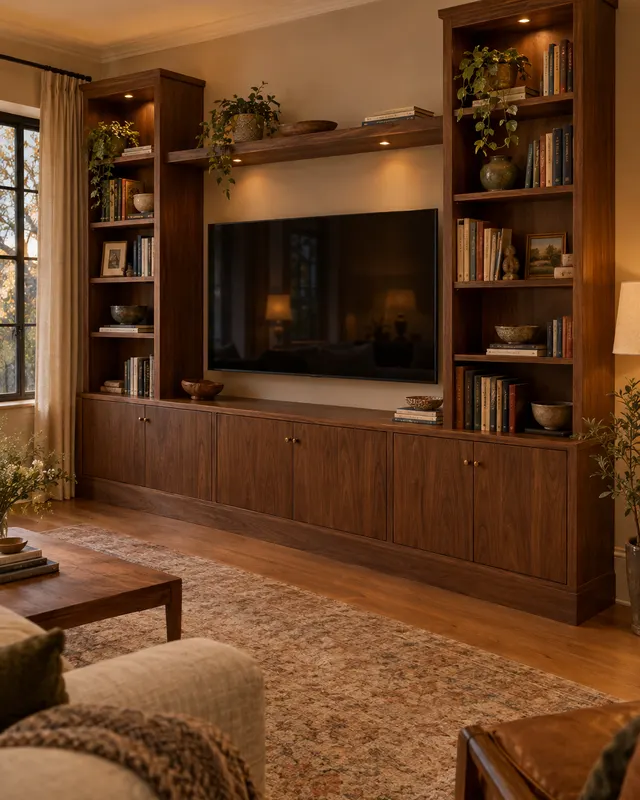
  • Built-ins

    French cleat

    Two strips cut at 45°, one on the wall and one on the cabinet. Lift the unit on and its weight pulls it tight to the wall.

    Saw set to 45°, spirit level

  • First build

    Cable grommets

    A hole behind every device, lined with a grommet. The cables drop out of sight and the back stays strong.

    60 mm hole saw

  • Getting confident

    Push-to-open doors

    Concealed hinges with a push latch, for a clean front. Leave a slot for the remote's signal, or use radio remotes.

    Hinge-cup bit, push latches

  • Getting confident

    Drawer runners

    A shallow drawer for remotes and controllers, on full-extension runners.

    Runners and a fitting jig

Materials

What to build it from.

MaterialCostStiffnessEdgesFinishBest for
Birch plywood€€€Layered edge: show it off or band itOil, lacquer or paintCarcasses and shelves under heavy equipment
Oak or walnut veneer€€€Band with matching veneerHardwax oil or lacquerLong tops and slatted doors
MDF€€€Smooth, paints well once sealedPaintPainted media walls
Solid oak€€€Solid wood, no banding neededHardwax oilTops and legs on a low bench

Tools

Start small, add machines later.

The starter kit

Enough for every first-build plan here.

  • Drill-driverEvery hole and every screw. An 18 V one with two batteries.
  • 60 mm hole sawCable holes behind each device.
  • Combination square and tapeMarking out square to the edge, checking corners.
  • Spirit levelA unit that sits level under a level screen.
  • Stud finderFixings into something solid.
  • Safety glasses and a maskFor drilling, sanding and finishing.

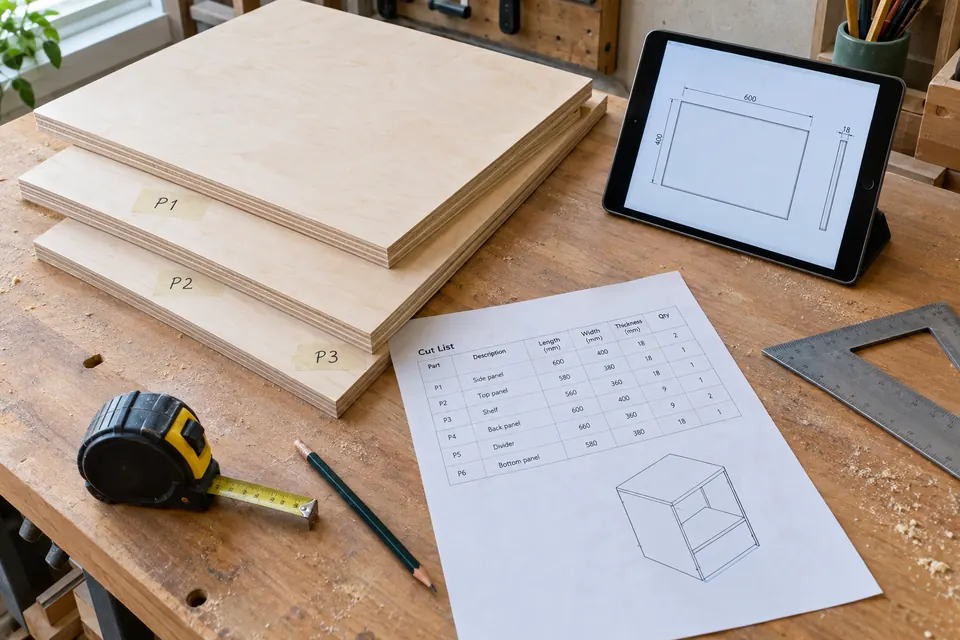
No saw? Most timber merchants cut sheets to a list. Take the cut list from your plan and pick the panels up ready to drill.

Worth buying later

Each one opens up a new kind of build.

  • Track sawLong tops and sides cut dead straight.
  • Hinge-cup bit and jigConcealed and push-to-open doors.
  • RouterSlatted fronts, cable channels, rounded edges.
  • Laser levelA floating unit and screen dead level across the wall.
  • Pocket-hole jigHidden joints in frames and towers.
  • Oscillating multi-toolNeat openings for sockets in the back panel.

Safety

Hang it on the wall safely.

A floating unit carries the cabinet, the equipment and anyone who leans on it, and a tall unit with a screen on top can tip. Fix both into something solid.

  • Brick or concreteA French cleat on plugs and 6 mm screws every 300 mm
  • Stud wallInto every stud the cleat crosses, never plasterboard alone
  • A wall-mounted screenIts own bracket, into the wall structure, not the unit
  • Freestanding, screen on topAn anti-tip strap for the screen and one for the unit

Something else in mind?

Describe your TV stand.

Say it the way you would to a carpenter. Caminu draws it, checks the spans and writes the guide.

Sizes in mm, cm or inches all work.

Questions

TV stands & media units, answered.

How high should a TV stand be?

High enough that the middle of the screen sits near eye level when you are seated. For most sofas that puts the top of the stand between 450 and 600 mm.

Can a floating unit hold a TV?

The unit holds equipment. Whether the wall holds the unit depends on the wall: fix into studs or masonry with fixings rated for that wall type, and mount a heavy screen to the wall itself.

How wide should a TV stand be?

At least 200 mm wider than the screen, and up to one and a half times its width, so the screen doesn't look perched. The TV size check on this page works it out for your screen.

What size TV suits my room?

For a 4K screen, sit about 1 to 1.6 times the diagonal away; for HD, 1.6 to 2.5 times. At 2.5 m from a 4K screen, around 75 inches fills your view.

From the blog

Read before you build.

Keep going

Other things to build.

What would you build if it only had to fit your room?

Show Caminu your room and describe the piece. You get the 3D model, the cut list and the assembly guide.

Start designingSee pricing